
How it fits your plan
Day and wrap-up images let you share progress. A Graph image can show the connections in a project. Review the preview and privacy controls before deciding what to share.
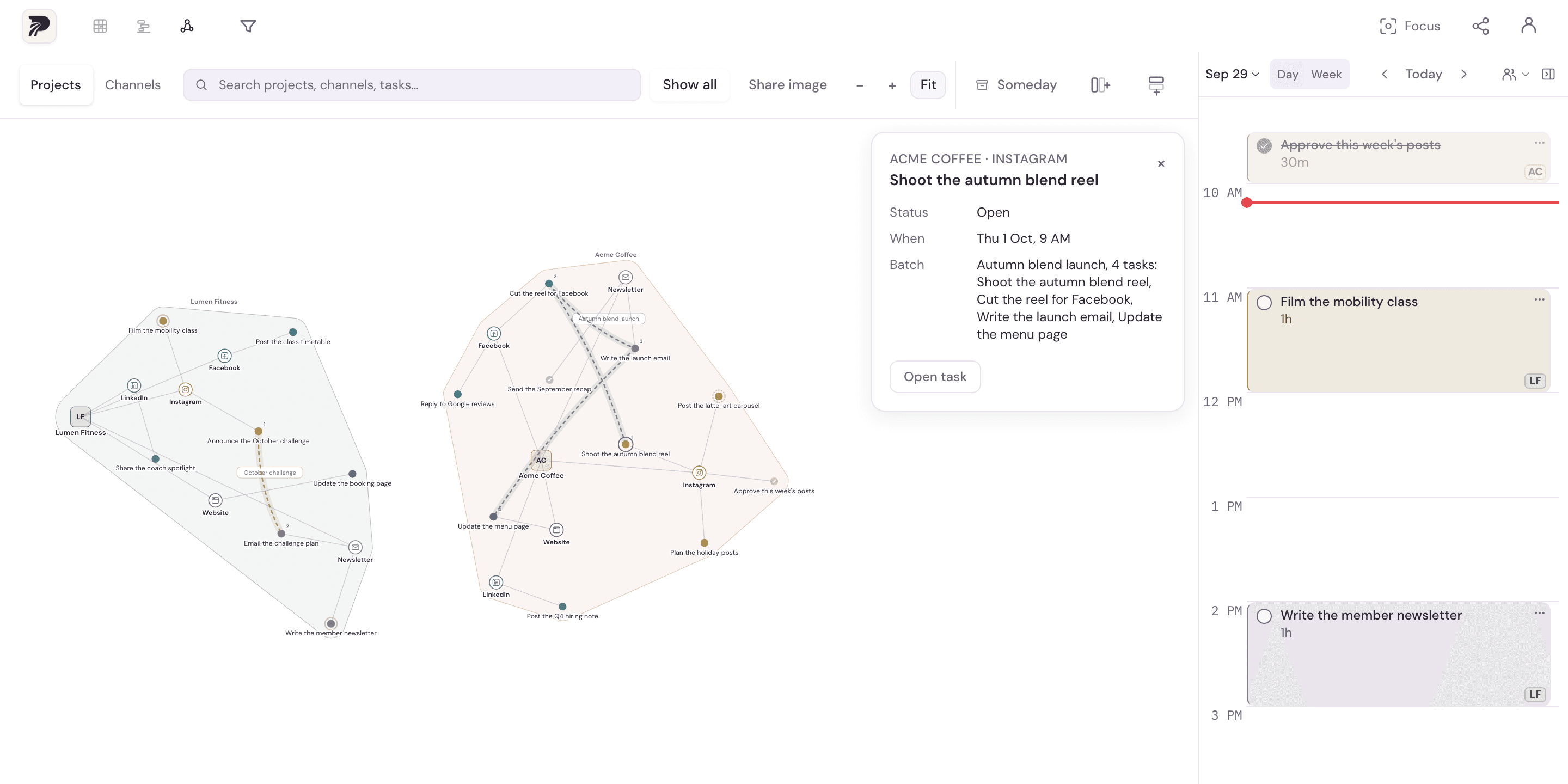
A concrete example
Share a day card showing three completed tasks across three projects, with private project labels hidden. Someone can understand the progress without seeing the client names or task details you want to keep private.
Put it into practice
Choose the result you want to show
Open the day, wrap-up or Graph sharing/export surface that suits the story. Choose a result grounded in actual planned or finished work.
Review labels and task details
Inspect the preview. Use the available privacy options and check whether any client, project or task name should remain private.
Export and inspect the image
Save the image and look at the final result before sharing it. Day images are prepared on the device; Graph image rendering uses the server.
Add your own context
Share the image on the platform you choose with a short explanation of what you built or finished. Sharing is deliberate; Polylane does not automatically post it to your social accounts.
A few details to keep in mind
- Hiding labels does not replace reviewing the exported image for private information.
- Sharing a result is optional. The planner remains useful without publishing anything.