
Every screen, annotated
4 screens from the real app, with 27 things on them named and explained. Pick a screen, then read down the list. Nothing here is a mockup — the screenshots are generated from the running product.
The Overview board
Every project's work on one grid: projects across the top, channels down the side, and the day's schedule beside them. A cell is one project's work on one channel.
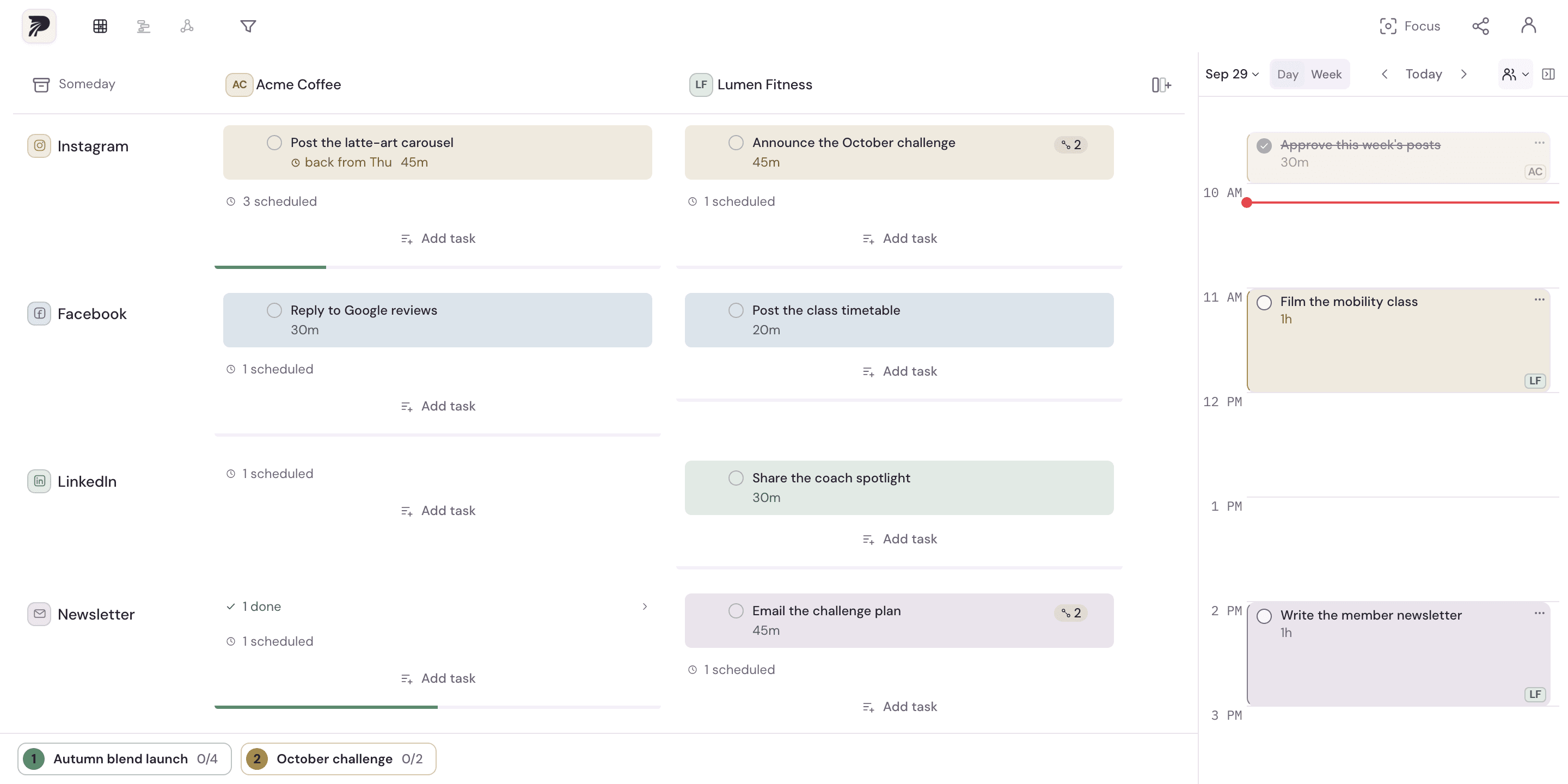
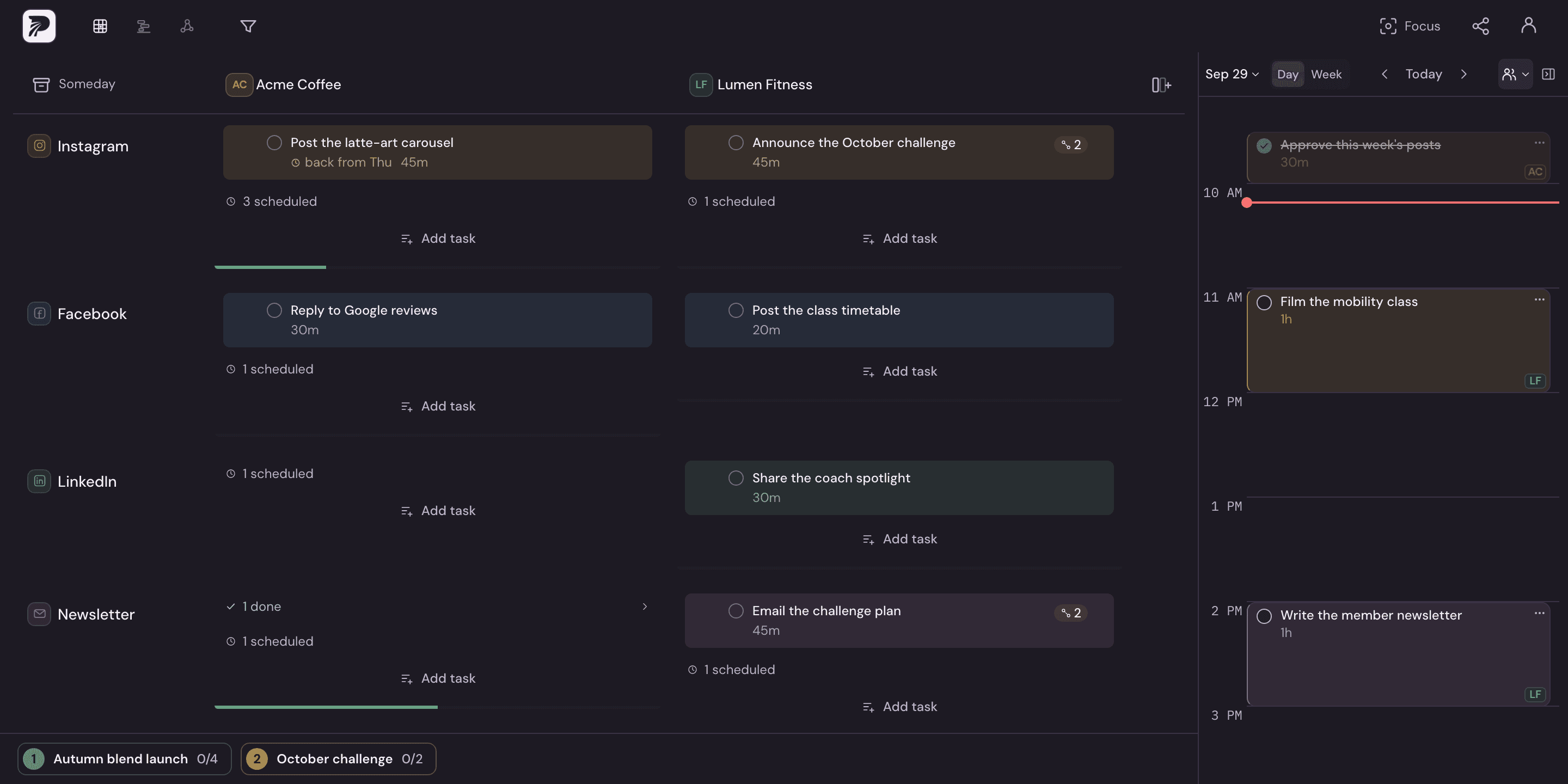
Three views of one board
Overview is the grid. Timeline shows upcoming work across projects, and Graph draws how it all connects. Switching changes the layout, never the data.
A column per project
Each column is a project you plan work for. Its monogram, AC for Acme Coffee, marks its work on the calendar too.
A row per channel
Where the work ships: Instagram, LinkedIn, a newsletter. Add a channel once and every project gets it.
Work that came back
Scheduled for last Thursday and not ticked, so it came back to its cell and says where from. Nothing turns red; it is waiting for a new slot.
Scheduled work leaves the cell
Once a task has a time it lives on the calendar, and the cell counts it rather than listing it twice. Click the count to see when each one is.
Linked work
Tasks linked into a batch are scheduled together. The chain shows how many tasks are linked, and the rail below names the batch.
Every batch, by name
The rail lists each batch with a live done count. Point at one to light its tasks on the board; click it to edit the batch, fit it into a day, or unlink it.
The day, beside the board
The calendar reads the same tasks as the grid, a day or a week at a time. Every block wears its project's monogram, and the menu under the date narrows it to one project.
Import and export in Profile
Open Profile to import tasks from a CSV, with a preview before anything is written. Paid plans can export the schedule as an .ics file for Google Calendar, Apple Calendar or another calendar.
Where Free ends and Solo begins
Free is not a demo. You get 2 projects, the default channels plus 2 of your own, calendar scheduling, and task linking. That is enough to plan real project work across your channels, on one device.
Solo removes the ceilings: unlimited projects, unlimited channels, cloud sync across devices, and .ics export. It is $180/yr, paid annually; monthly billing in India is ₹499/mo incl. GST. Every new account starts with a 14-day Solo trial. No credit card required.
Stopping does not cost you anything you made. Projects past the Free limit stay visible and turn read-only, and they unlock again if you resubscribe. Paid plans carry a 14-day money-back guarantee, and you can cancel any time.
Studio is the shared workspace
Studio is one set of projects and one calendar a whole team edits together, priced per seat: $120/seat/yr, paid annually, from 2 seats up to 20. Buy the seats you need today and change the count as the team grows — there is no bundle to outgrow and no waitlist to join.
What Polylane does not do
Knowing the gaps before you commit is cheaper for both of us than finding them in week two.
- No native app. Polylane runs in the browser and installs to your home screen; native apps are being explored.
- No integrations beyond Google Calendar, Outlook and .ics export. Import is CSV — there is no direct Notion or Todoist connection.
- Calendar sync is not two-way. Your Google or Outlook meetings show as busy time, and on a paid plan you can send the blocks you schedule to your calendar. Changes made to those blocks in the calendar do not come back, so treat Polylane as the source of truth.
- No AI of our own. Brain dump turns pasted notes into tasks with your own Claude, OpenAI or Gemini key, and nothing is added or scheduled until you say so.
- No switching between workspaces. Each person belongs to one, so joining a Studio team moves your projects into its workspace, and they stay with the team if you leave.
Try it on your own week
The only way to know whether the matrix fits how you work is to put your real projects into it. Signing up starts 14 days of Solo with no credit card, and dropping back to Free at the end keeps everything you entered.