
How it fits your plan
Focus keeps the current task in view. Day wrap-up distinguishes finished work from work that needs another slot. Weekly review helps you plan unfinished and never-scheduled tasks deliberately.
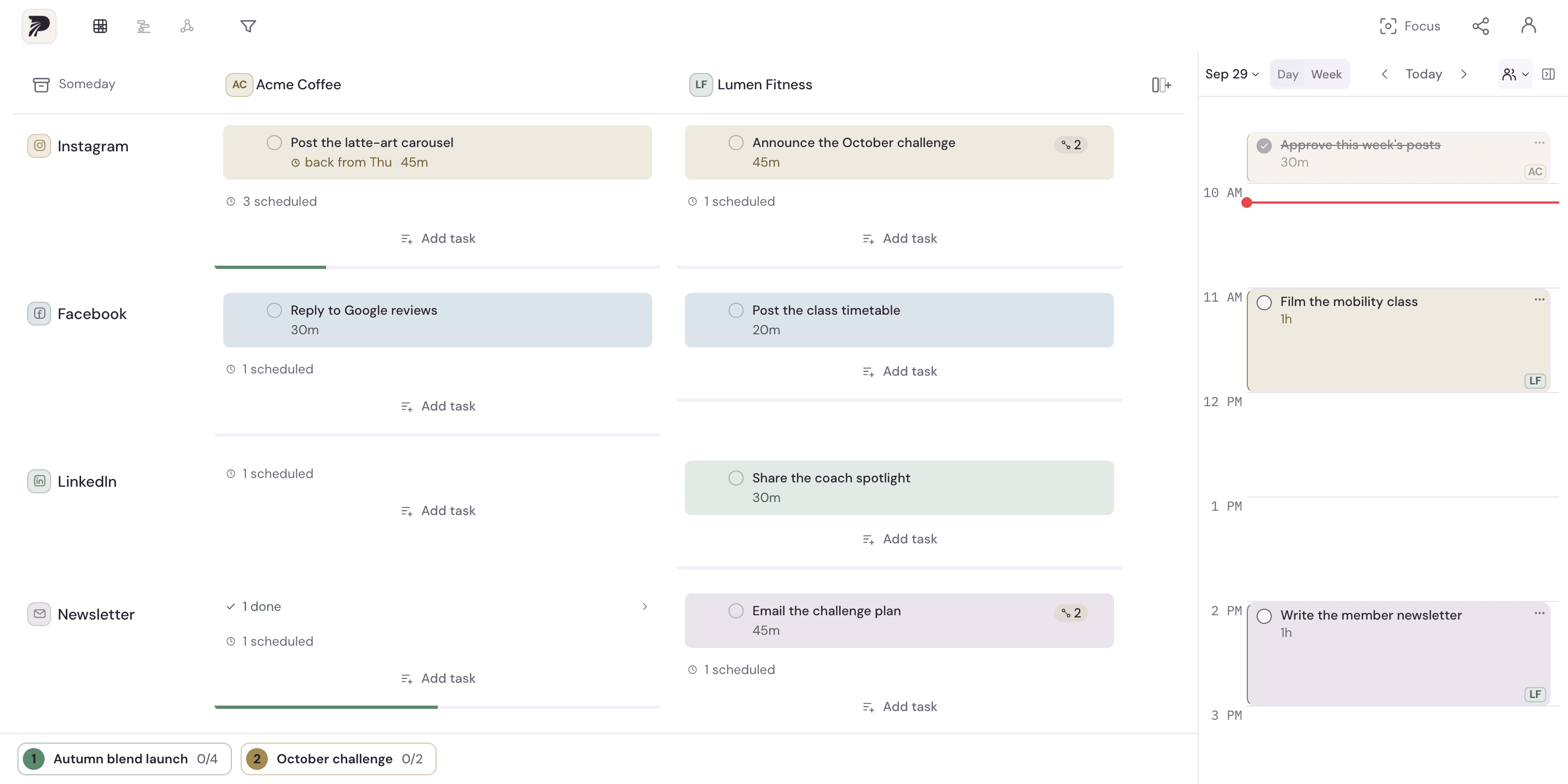
A concrete example
A Friday session has three tasks. Two finish and the release note still needs work. Wrap-up should show two finished tasks and one remaining task, rather than treating all scheduled work as completed.
Put it into practice
Choose the next task
Use the plan to decide what deserves attention now. Open Focus for that task so its project and task context remain visible.
Work from the task's context
Use its notes and the focus timer where helpful. Mark a task complete when the work is finished, rather than merely because its calendar slot ended.
Close the day
Open day wrap-up and review finished and unfinished work. Decide what needs another slot and what should be reconsidered.
Review the week
Look at unfinished and unscheduled work across projects. Make intentional choices about the next week instead of moving every item forward automatically.
A few details to keep in mind
- Focus and review help you reflect on the plan; they do not guarantee productivity or measure the quality of the work.
- A task scheduled on the calendar remains separate from a task marked complete.