
How it fits your plan
A project ship date is a target attached to the project. It gives the work a shared destination while task progress shows what is actually complete.
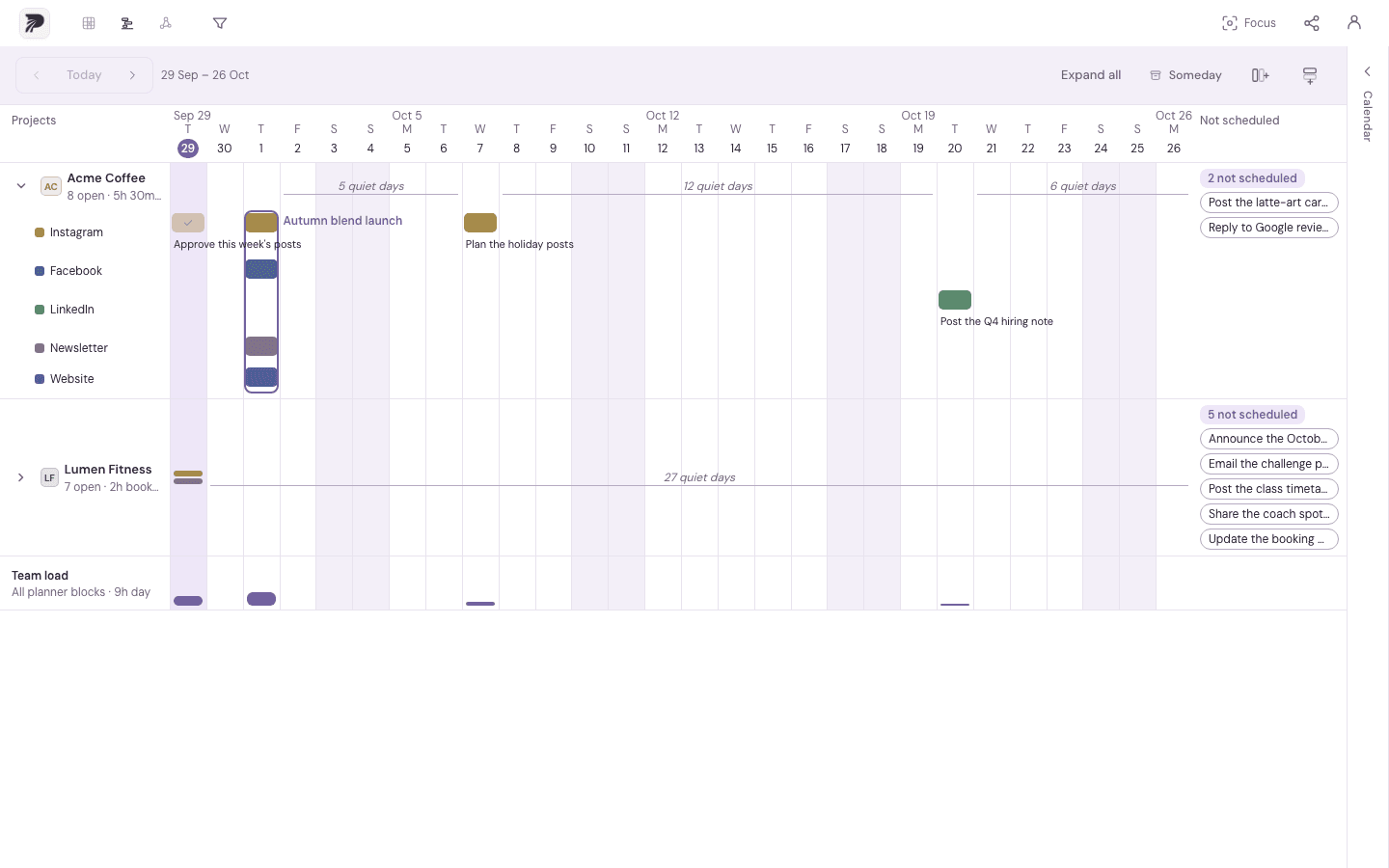
A concrete example
App release has a target ship date of 30 October. Eight of twelve tasks are complete. That is a progress fact to review with the remaining work, not a prediction that the project will ship on time.
Put it into practice
Set a target on the project
Choose a ship date for the product, client deliverable, campaign or other project. Keep the target meaningful enough to guide planning.
Make the remaining work visible
Review tasks across the project's channels. Notes and durations help you understand what each unfinished item needs.
Put important work into the calendar
Schedule tasks or named batches before the target. Use Timeline to inspect upcoming work and unscheduled items.
Review the target with actual progress
Complete tasks as they finish and review what remains. If the plan changes, adjust the work and the target deliberately.
A few details to keep in mind
- Task completion is a count of completed tasks; tasks may have very different sizes.
- The ship date is a project target. Do not treat it as a separate dependency engine or an automatic delivery forecast.